
BACKGROUND
In construction management, having quick access to supporting documentation for various companies is often crucial. Whether it's a supplier's product specifications or photos related to a specific vendor's work, attachments provide essential context and information. ConstructionOnline simplifies this process by allowing users to directly upload and associate files/photos with company records, fostering better organization and faster access to key information.
HOW TO ADD ATTACHMENTS TO A COMPANY
A. During Company Creation:
- Attachments can be added to a Company during the Company creation process.
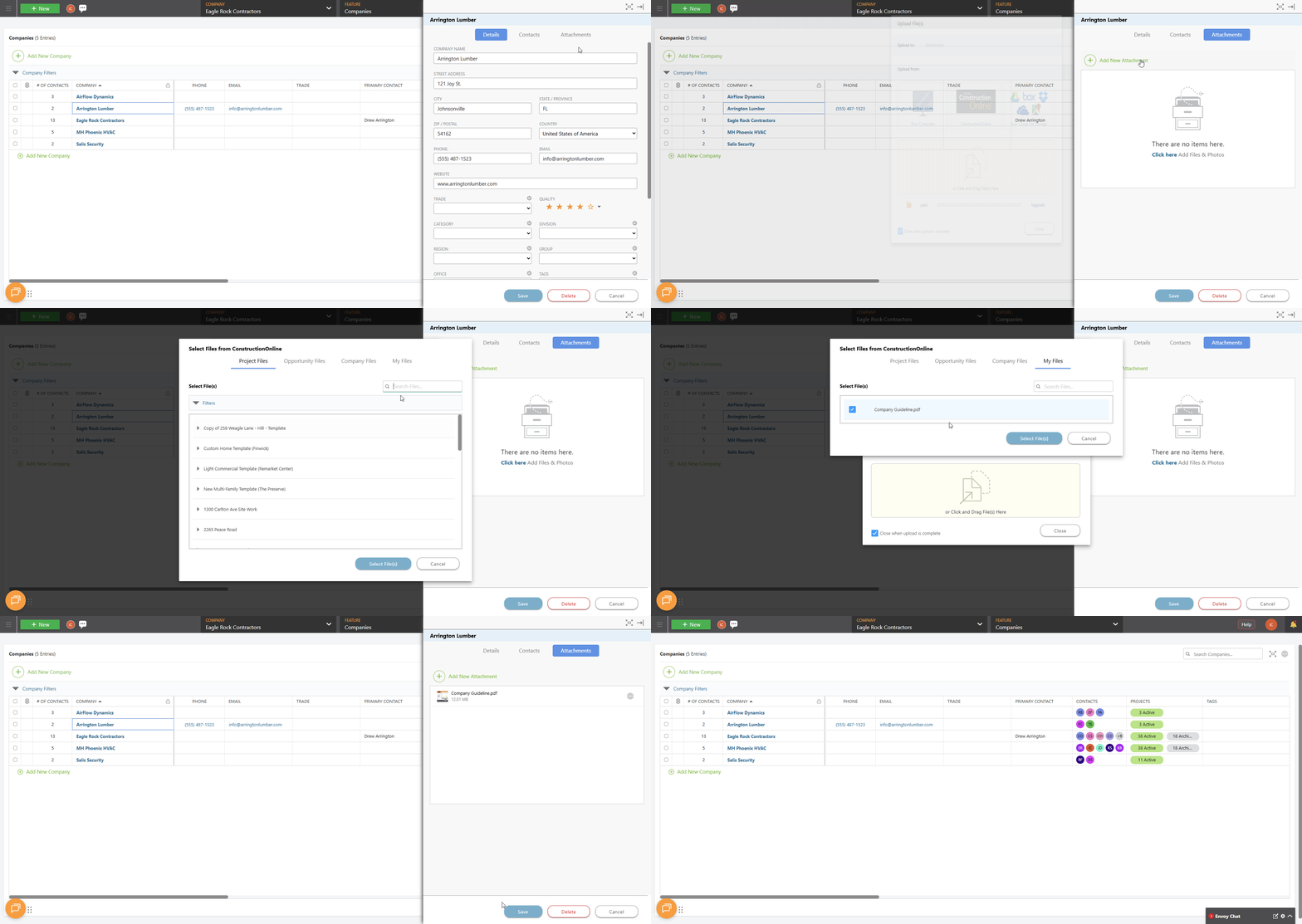
- Once within the "Create a New Company" extension blade that opens on the right side of your screen, navigate to the "Attachments" tab.

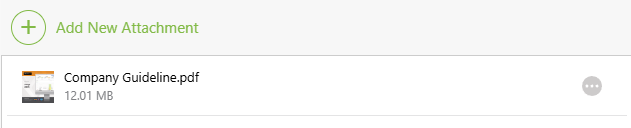
- Click the green (+) Add New Attachment button.
- Upload or drag-and-drop the files and/or photos pertinent to the Company.
- To finalize Company creation, select the blue "Create" button.
B. From Within an Existing Company:
- From the "Companies" portion of your Company Directory, hover over the desired Company and press the blue "Details>" button.
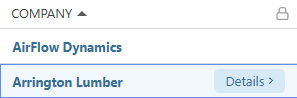
- This will open the Company's extension blade on the right side of your screen.
- Navigate to the "Attachments" tab.
- Follow Steps 3-5 from the section above.
ALTERNATIVE ACCESS POINT
- From within the "Companies" List, use the horizontal scroll bar to scroll within the List until you can see the Attachments
 column.
 - Locate the desired Company in the List.
- Click into the Attachments column within the row associated with that Company to open to the Company's Attachment tab.
- Upload or drag-and-drop the files and/or photos pertinent to the Company.
- To finalize adding the Attachments to the Company, select the blue "Save" button.
ADDITIONAL INFORMATION
- Subscription Level: The Company Directory is available for all ConstructionOnline subscriptions.
- Permissions: Admin Users and Company Users can add Attachments to a Company.
- CO™ Mobile App: Company Users can add attachments to Companies via the ConstructionOnline Mobile App.
HAVE MORE QUESTIONS?
- Frequently asked questions (FAQ) about Companies can be found in the article FAQ: Companies.
- If you need additional assistance, chat with a ConstructionOnline Specialist by clicking the orange Chat icon in the bottom left corner or visit the UDA Support Page for more options.