
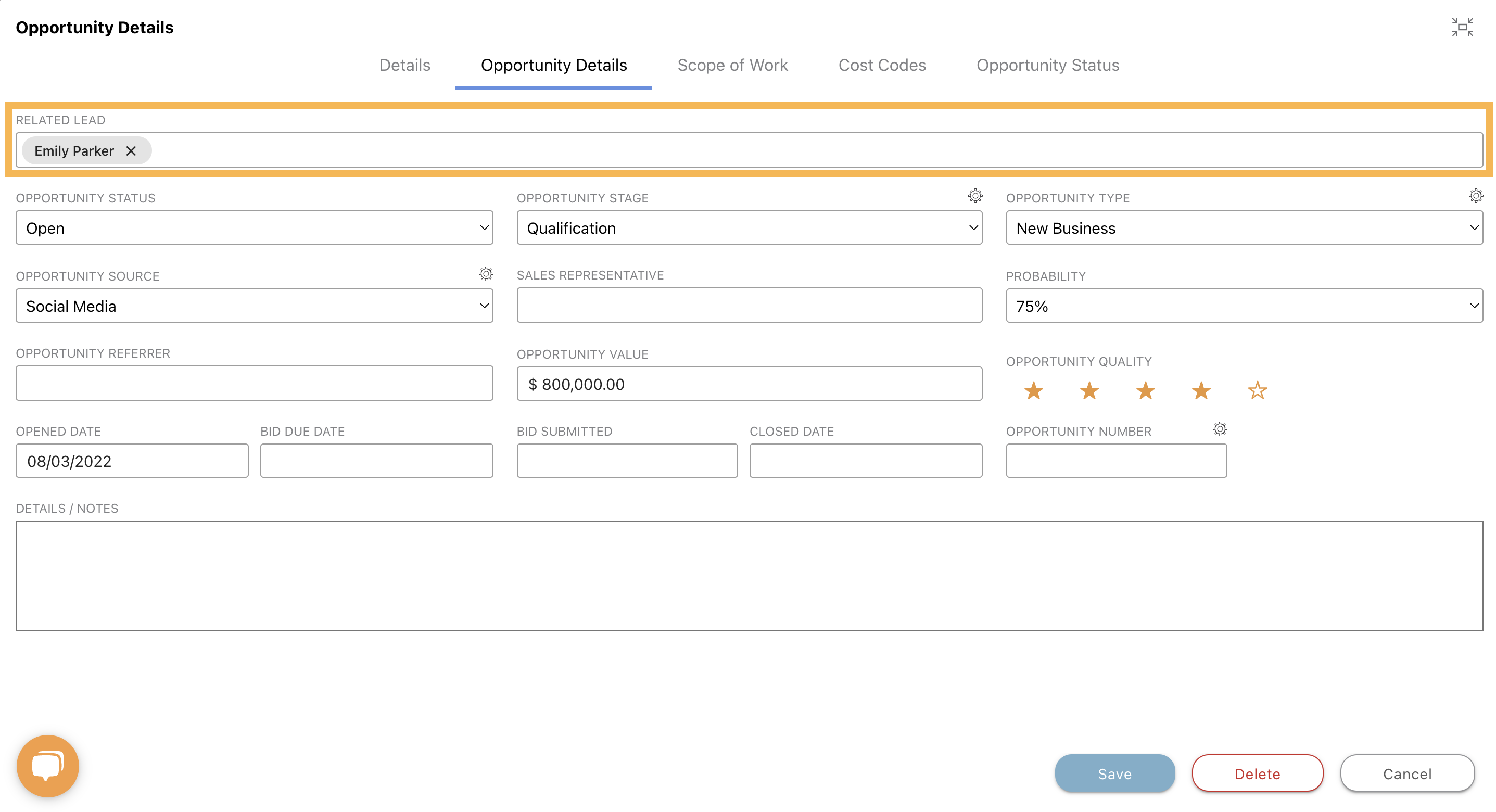
To add a new or additional Lead to an existing Opportunity, navigate to the Opportunities section of ConstructionOnline. Then, right-click on the specific Opportunity and select the "Edit Opportunity" option. Select the "Opportunity Details" tab, then click into the "Related Lead" field to add a new Lead.
Click here for more frequently asked questions (FAQs) regarding Leads & Lead Tracking.