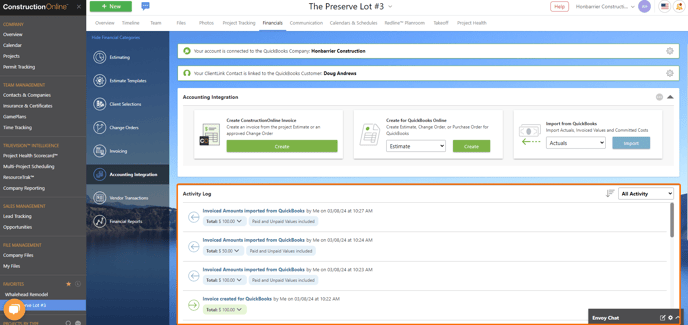
ConstructionOnline keeps and displays an Activity Log where you can view all records sent to and from QuickBooks Online. The Activity Log can be accessed by navigating to Financials > Accounting Integration category. Any blue text on the Activity Log indicates a hyperlink that, when clicked, will take you to the exact item in QuickBooks (i.e. Estimate, Purchase Order, Invoice, etc.).