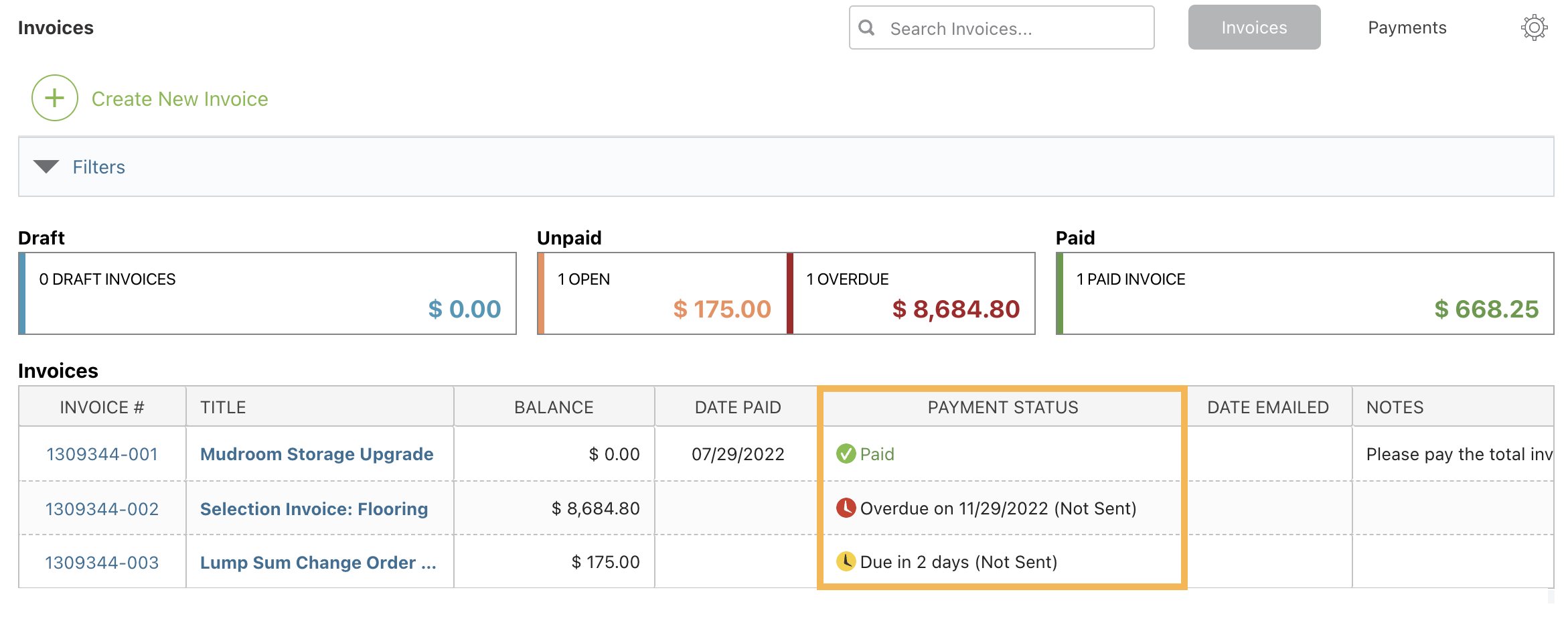
You can see which Invoices are overdue for a Project by viewing the "Payment Status" column of the Invoice Column View. If the Invoice is overdue, it will display the message "Overdue on [due date]". Invoices approaching their due dates will be marked as due soon. Invoices that have been paid in full will display the message "Paid".