
OBJECTIVE
To remove or change an existing company logo or letterhead to reports and documents generated in ConstructionOnline.
BACKGROUND
When generating a report or document in ConstructionOnline, companies can upload their logo / letterhead to the report. The uploaded image will appear in the top right of the generated report or document. To change an existing logo / letterhead, the current image file must be removed and the new logo / letterhead must be uploaded.
THINGS TO CONSIDER
- Logo or letterhead must be an image file less than 1GB
STEPS TO CHANGE A COMPANY LOGO/LETTERHEAD
- Navigate to the Company Dropdown Menu at the top right corner of the page
- Select Set Company Logo from the dropdown menu
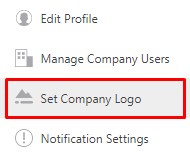
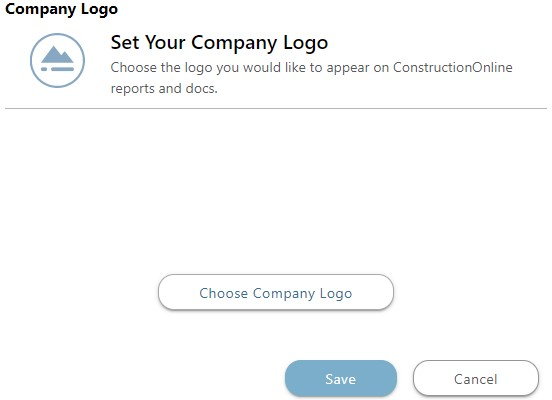
- This will open the Company Logo window
- Click the Choose Company Logo button
- Choose where to upload your logo/letterhead from or drag & drop it in the window
- Use the Resize Image window to correctly size and position your logo/letterhead
- Click Save
HAVE MORE QUESTIONS?
We're here to help! Chat with a Specialist by clicking the orange Chat icon in the bottom left corner or Contact UDA Support for additional options.